<BillingDetails />
A component for updating account details, billing address and payment methods for an account.
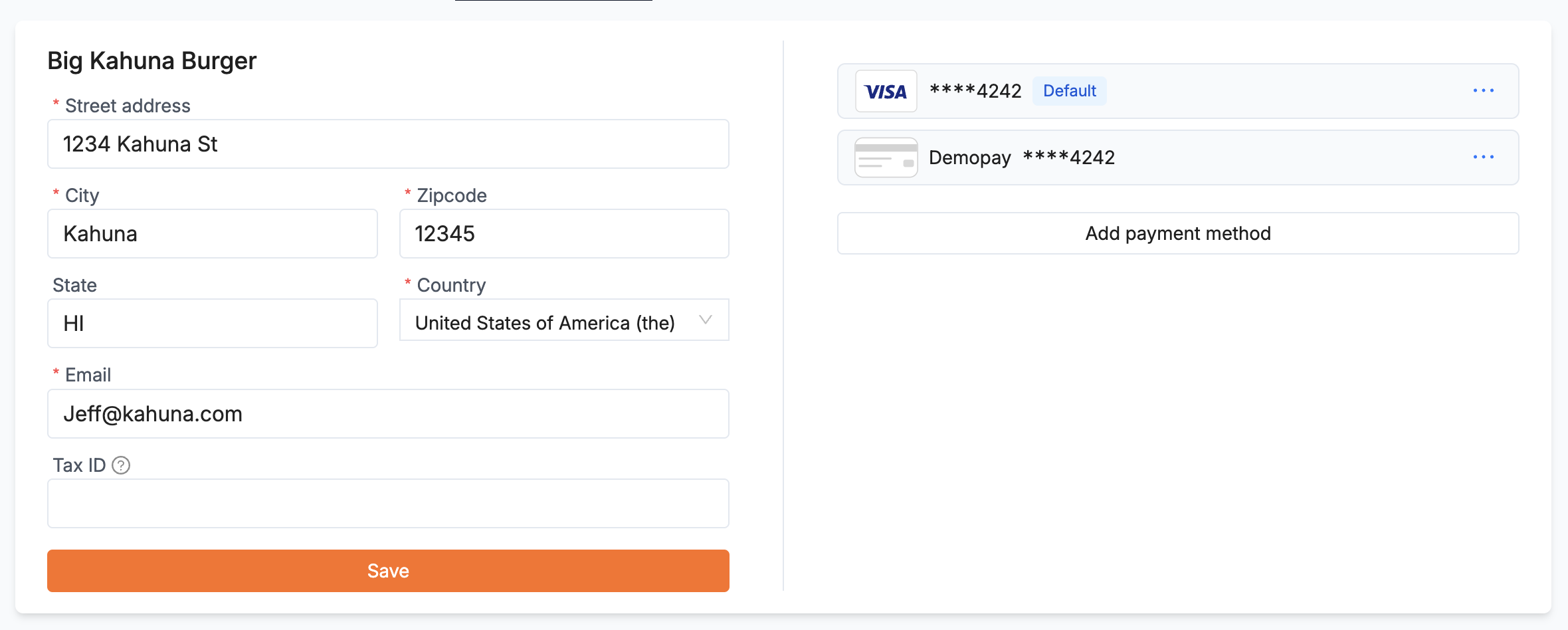
The billing details component
<BillingDetails
  onSavePaymentMethod={(paymentMethodId) => console.log(paymentMethodId)}
  onPaymentMethodRemoved={(paymentMethodId) => console.log(paymentMethodId)}
/>
It needs a portal session token. Like every component, it also accepts appearance (Styling) and style and className for positioning.
hidePaymentMethodForm and hideBillingDetailsFormLink to hidePaymentMethodForm and hideBillingDetailsForm section
Hide the payment methods (right side) or the account and address form (left side).
countryListFilterLink to countryListFilter section
Return false to hide a country, identified by its two-letter code. This hides the United States and Canada:
const removedCountries = ["US", "CA"];

return (
  <BillingDetails
    countryListFilter={(country) =>
      !removedCountries.includes(country.value)
    }
  />
)
onSavePaymentMethod and onPaymentMethodRemovedLink to onSavePaymentMethod and onPaymentMethodRemoved section
Called with the payment method’s ID when the customer saves or removes a payment method.