<Signup />
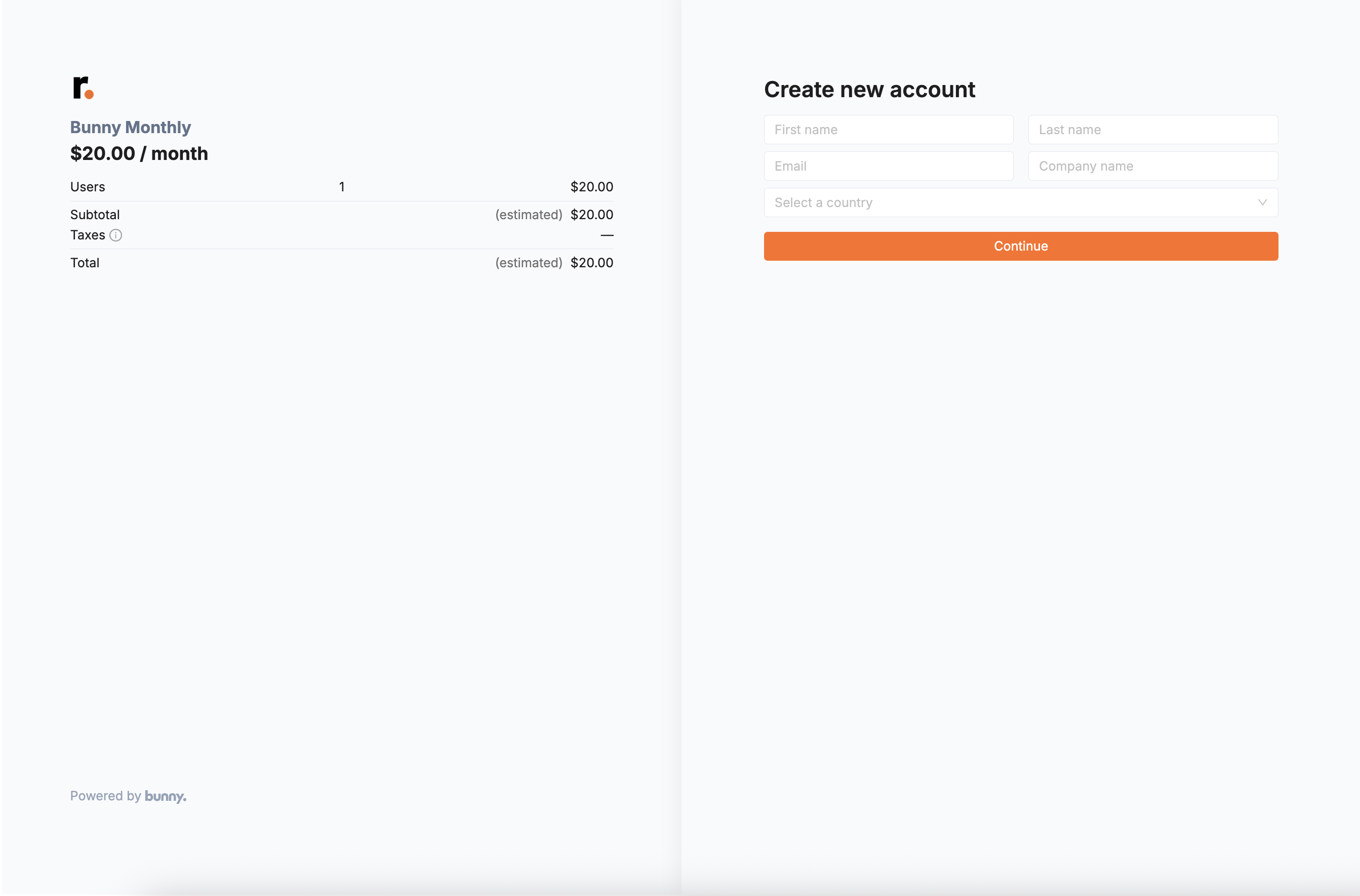
If you have products or plans that you want anyone (outside your organization) to be able to sign up for, you can set up the Signup component on your website.
Signup uses an API client token that only has the signup scopes, so it is safe to expose in a web page.
Create an API client with limited scopesLink to Create an API client with limited scopes section
- Go to Settings > Developers > API clients in Bunny.
- Create a new client and grant it only the
signup:readandsignup:writescopes. - Copy the client’s token and use it as the
tokenof theBunnyProvider.
For more detail, see creating and managing API clients.
UsageLink to Usage section
Give Signup its own BunnyProvider, separate from the one used by other components, because its token differs.
import { BunnyProvider, Signup } from "@bunnyapp/components";

function App() {
  return (
    <BunnyProvider token={tokenWithSignupScope} apiHost={apiHost}>
      <Signup
        priceListCode="business-monthly"
        defaultCouponCode="FREECARROTS2025"
        form={{
          defaultValues: { firstName: "John", lastName: "Doe", email: "john.doe@example.com" },
          requiredBillingDetails: { billingStreet: true, billingCity: true, billingZip: true },
        }}
        callbacks={{ onPaymentSuccess: () => console.log("Signed up!") }}
        appearance={{ variables: { colorPrimary: "#14532d" } }}
      />
    </BunnyProvider>
  );
}
PropsLink to Props section
Signup takes the same props as Checkout, except documentTemplateId. Like every component, it also accepts appearance (Styling) and style for positioning.
Signup always creates a new account. To subscribe an existing account, use Checkout.
Using signup on your portal pageLink to Using signup on your portal page section
Instead of embedding the Signup component and creating your own page, you can do this easily with the Bunny portal page. Refer to these docs.
What happens after signup?Link to What happens after signup? section
A successful signup creates:
- A Customer account.
- A billing contact, containing the user’s name and email.
- A tenant for the user’s data.
- A subscription corresponding to the
priceListCodeyou passed to the component.
A payment method is stored only when an amount is due, so not for trials or 100%-discounted plans. If anything fails, nothing is created.
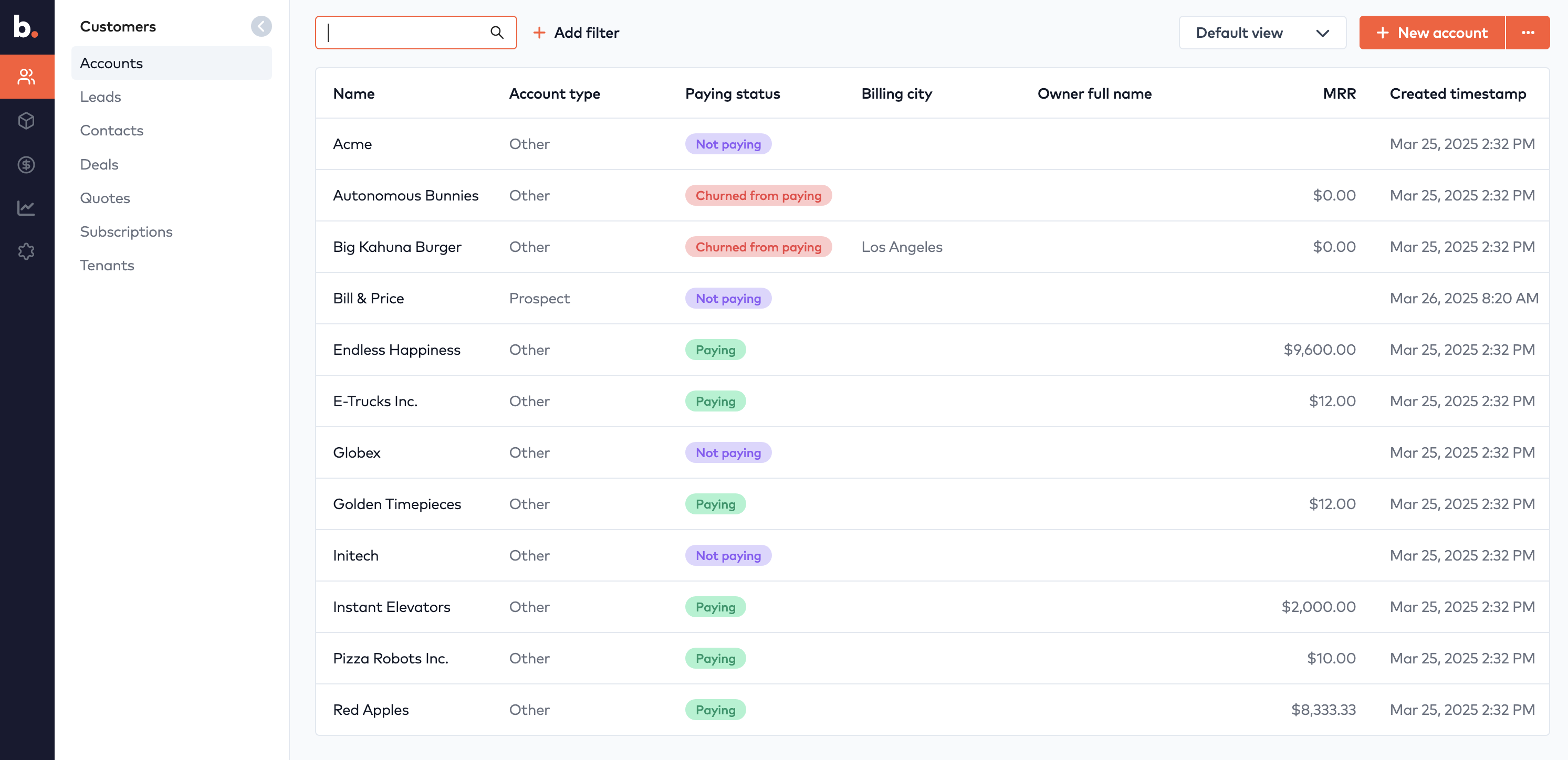
The accounts page in Bunny. New accounts from signups appear here.