<Invoice />
A component for viewing and paying invoices.
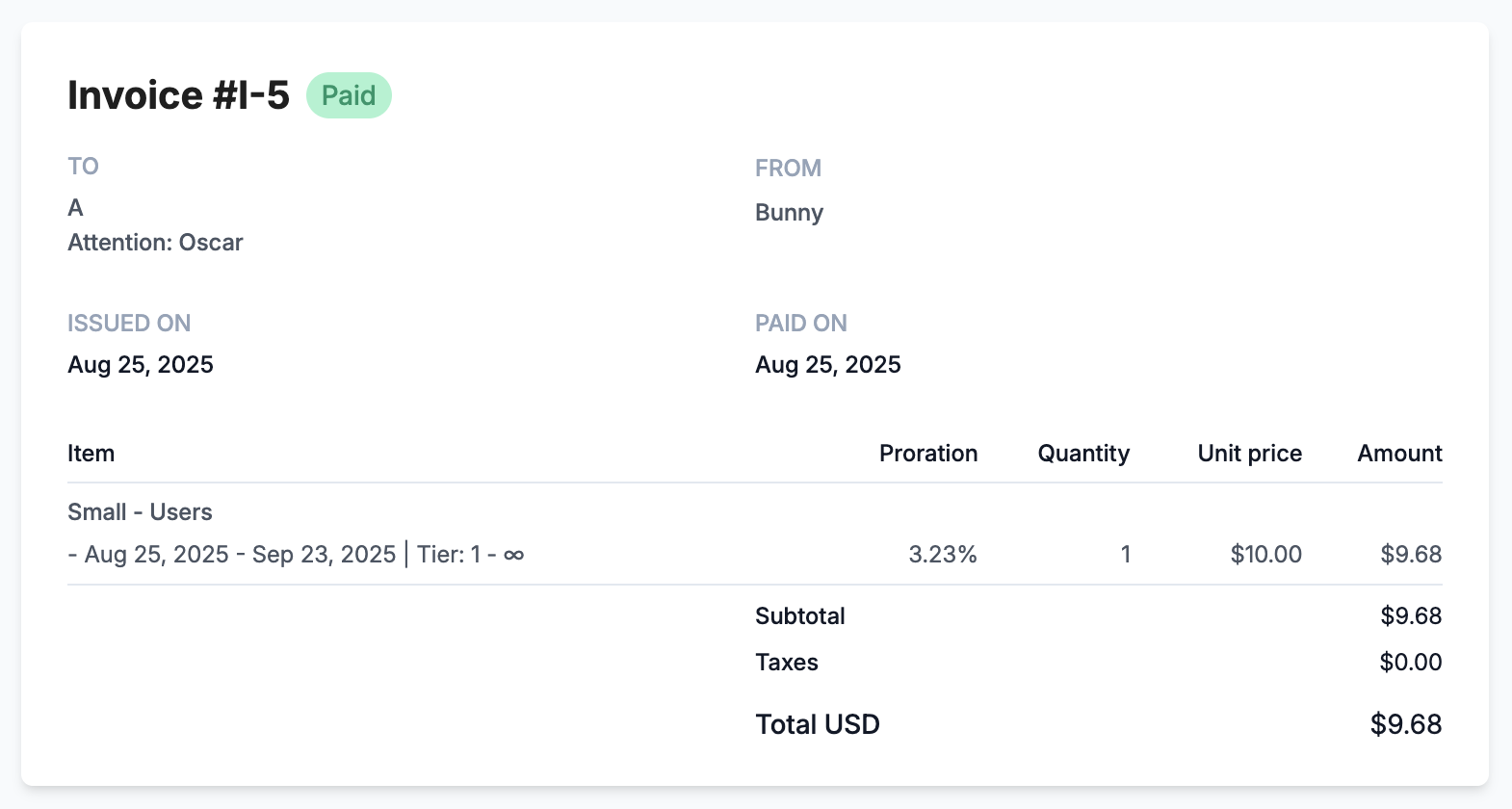
The invoice component showing a paid invoice.
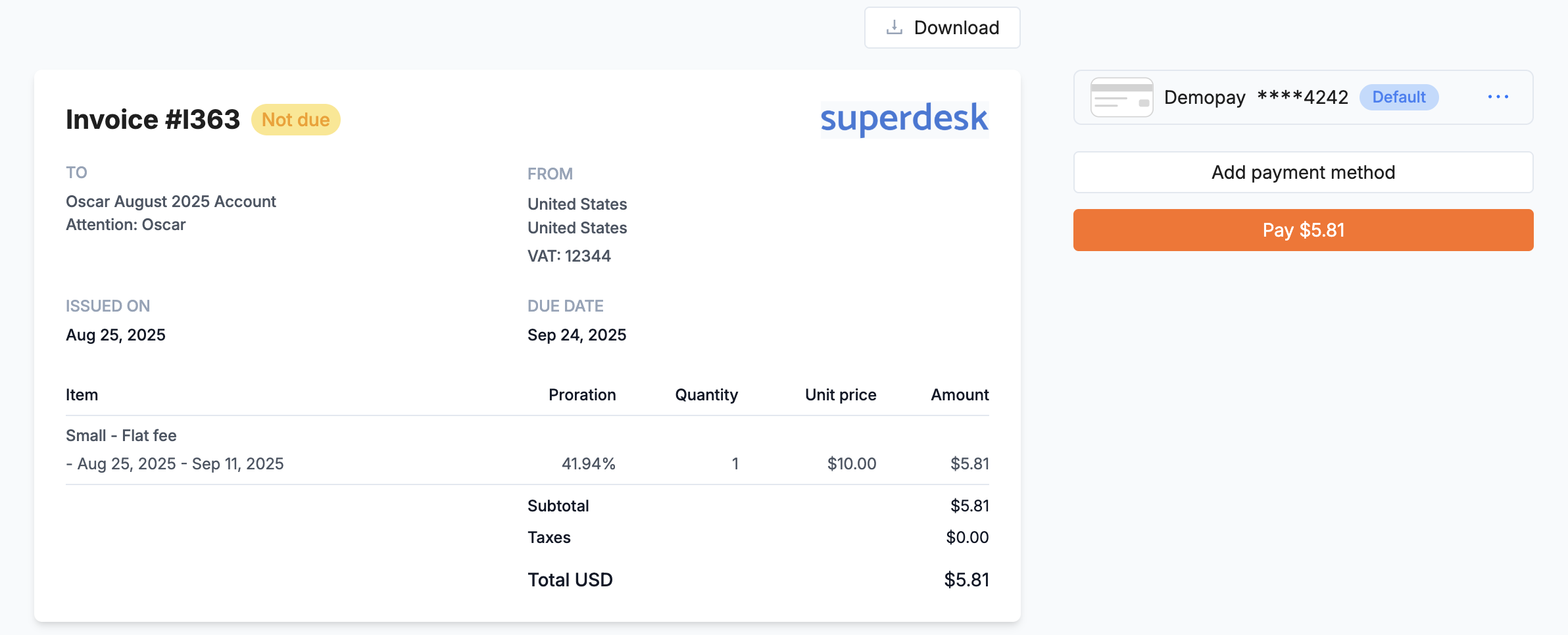
An unpaid invoice. The customer can add or remove payment methods to pay it.
<Invoice
  id={invoiceId}
  onPaymentSuccess={() => console.log("Paid")}
/>
It needs a portal session token. Like every component, it also accepts appearance (Styling) and style and className for positioning.
PropsLink to Props section
id: The invoice to show.onPaymentSuccess: Called when the customer has paid the invoice.
hidePaymentForm and hideDownloadButtonLink to hidePaymentForm and hideDownloadButton section
Hide the payment form, or the button that downloads the invoice.