Company
Company settings in Bunny: company details used on quotes and invoices, the engineering contact, and actions like restoring workflows or resetting data.
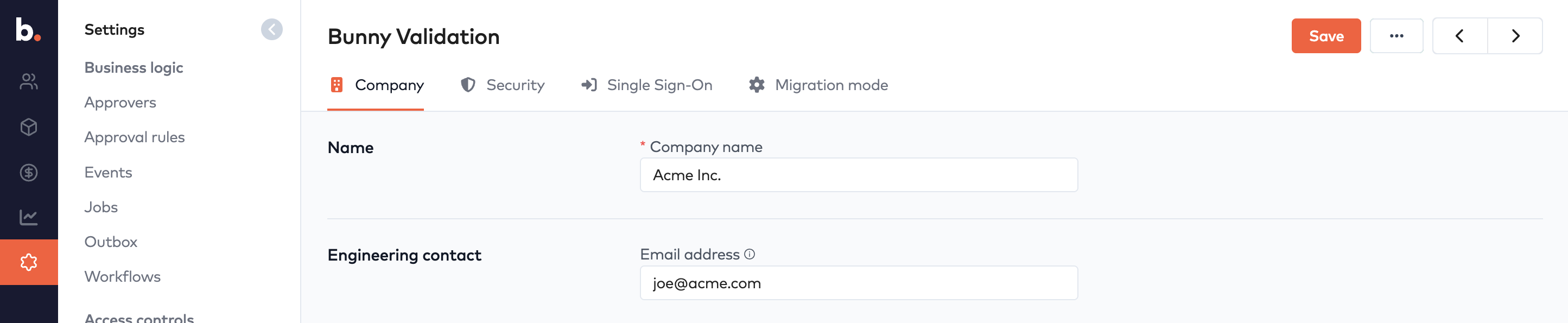
The company form contains various settings that are global in Bunny.
Company nameLink to Company name section
The information in the top two cards will be used on quotes and invoices that are sent to customers. These values can also be referenced via the company object in workflows, for example {company.name} and {company.phone}.
Engineering contactLink to Engineering contact section
The engineering contact should be someone in your organization who works with Bunny’s APIs. We may use this contact to notify of future deprecation of API endpoints and other technical aspects of Bunny.
Company actionsLink to Company actions section
A number of useful actions are available from the … menu on the company form.
Restore default workflowsLink to Restore default workflows section
Bunny comes with a set of predefined workflows for sending invoices, dunning etc. This action allows you to restore them to their original configuration in case you somehow messed them up.
Create and remove demo dataLink to Create and remove demo data section
Demo data consists of a dozen different accounts with subscriptions, invoices etc that you can use to play around with and learn how Bunny works.
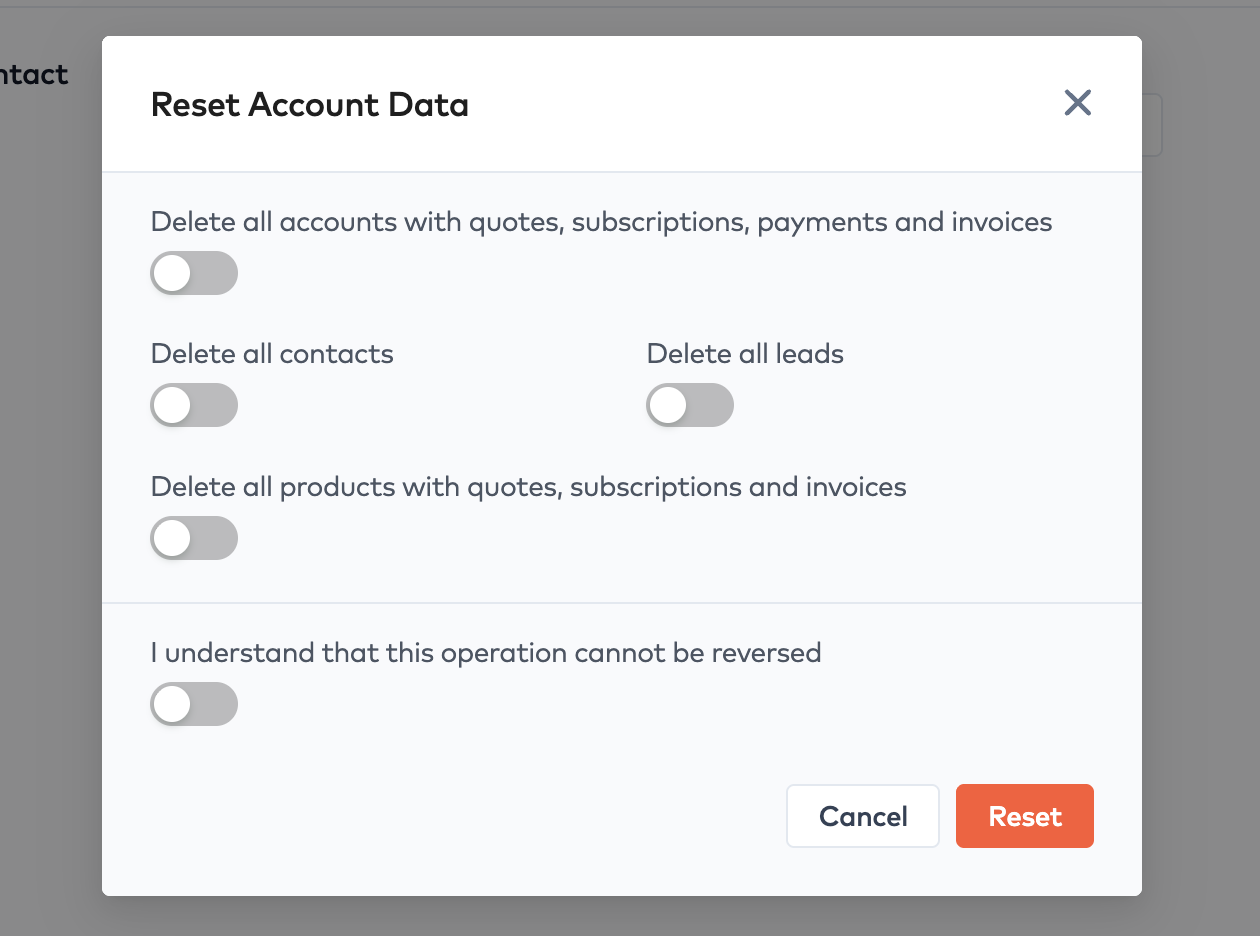
Reset accountLink to Reset account section
While you are testing your setup, it can be useful to delete all or part of your data. This action allows you to delete subsets of your Bunny data so you can start testing with a clean slate. For example, you can delete all accounts, but still keep the products you have configured.