<Quote />
Embed the Quote component to show one quote that the customer can read, download and accept, or pay and sign.
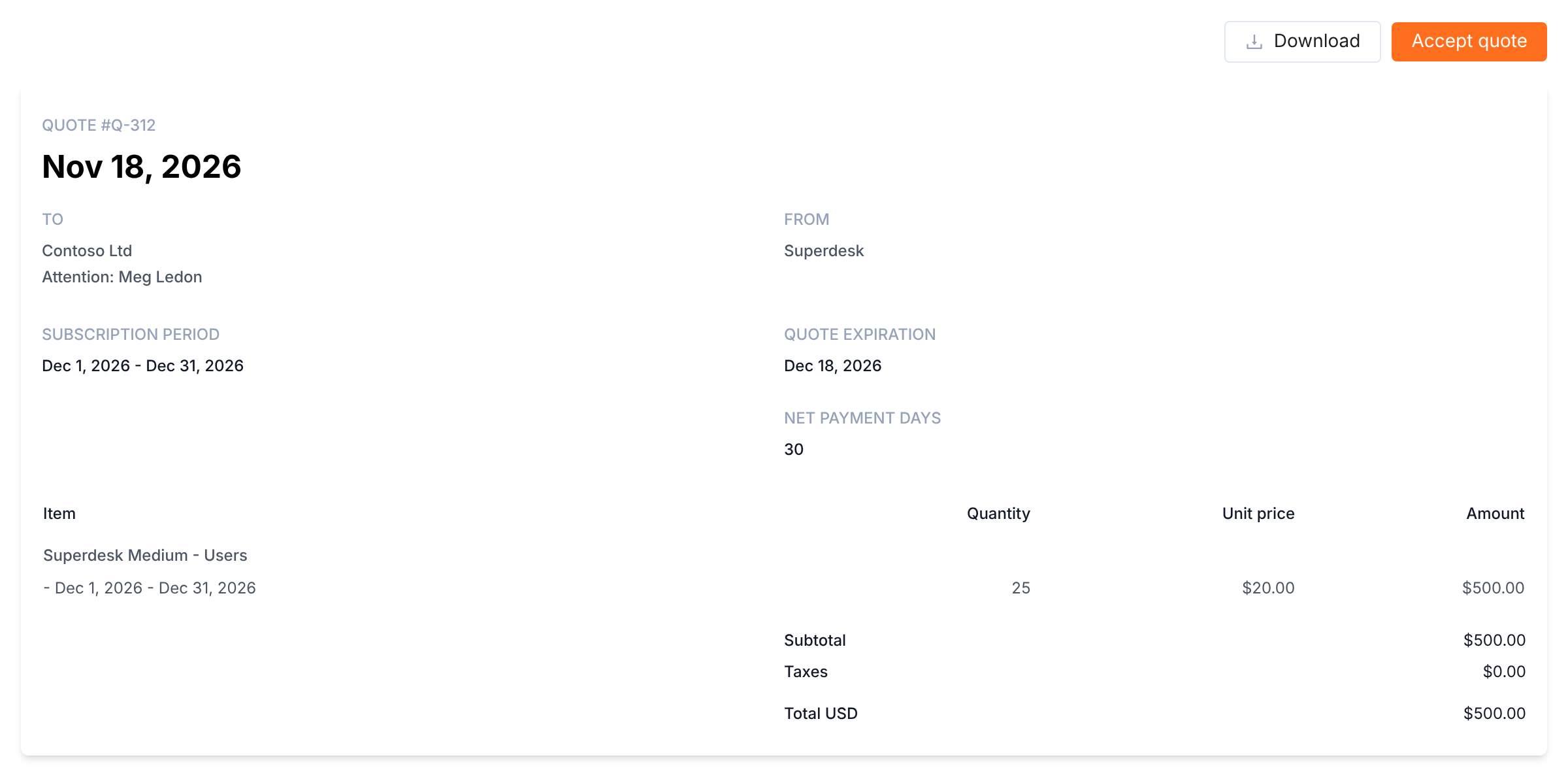
The quote component.
<Quote
  id={quoteId}
  onQuoteAccepted={() => console.log("Accepted")}
/>
It needs a portal session token for the quote’s account. Like every component, it also accepts appearance (Styling) and style and className for positioning.
Accept quote asks the customer for their name and job title, a purchase order number, and a tax number where one is needed. If you’ve connected an e-signature integration, the dialog starts signing instead. If the quote requires payment to accept, the button says Pay and sign, and the customer approves a hold for the first invoice’s amount before signing.
PropsLink to Props section
id: The quote to show.onQuoteAccepted: Called when the customer has accepted the quote.onPaymentSuccess: Called when the customer’s payment succeeds on a quote that requires payment to accept.onQuoteLoaded: Called with the quote once it has loaded.
hideDownloadButtonLink to hideDownloadButton section
Hide the Download button.
onQuoteUnavailableError and suppressQuoteUnavailableErrorNotificationLink to onQuoteUnavailableError and suppressQuoteUnavailableErrorNotification section
onQuoteUnavailableError is called when Bunny reports that the quote is unavailable, and the component shows an error notification. Set suppressQuoteUnavailableErrorNotification to show your own message instead.