Basics
Bunny entities hold entity-specific settings such as address, branding, invoice templates, numbering, fiscal year start and base currency.
Every Bunny instance has a default entity. The entity defines the currency, fiscal year, tax information as well as other settings that might be entity-specific.
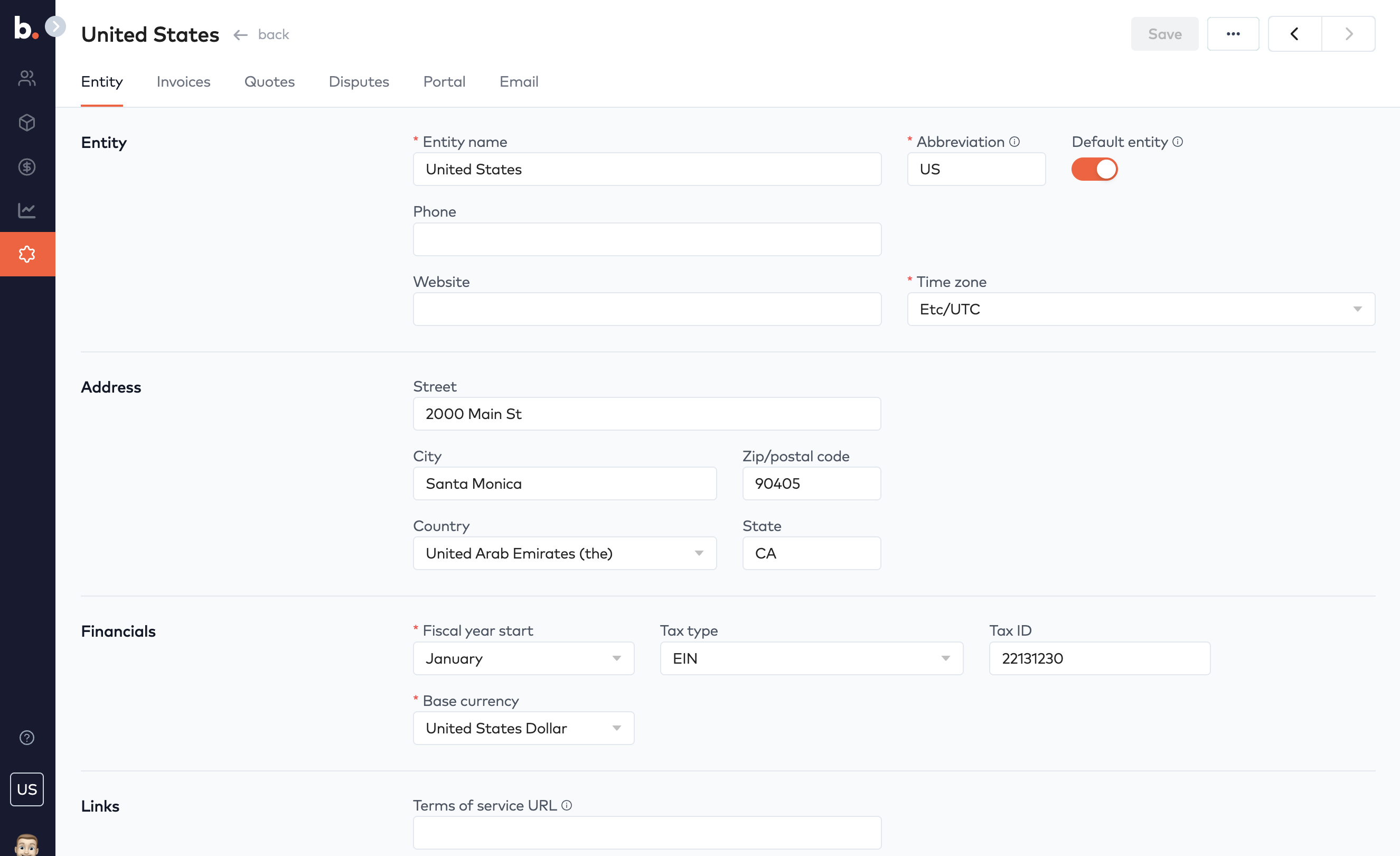
In Bunny, a number of properties are entity specific:
- Address
- Customer portal and email branding
- Invoice templates
- Invoice and quote sequence numbers
- Fiscal year start
- Base currency
A Bunny instance is born with default entity, which can be duplicated and will inherit all the settings. When you have more than one entity, you can switch between them using the globe icon at the bottom of the menu sidebar.
Fiscal year startLink to Fiscal year start section
If your fiscal year does not start in January, you can choose a different month. This will will be used in Bunny’s analytics to let you drill down into fiscal years and quarters without any additional configuration.
Privacy policy URLLink to Privacy policy URL section
This URL points to your privacy policy online.
Terms of service URLLink to Terms of service URL section
This URL points to your terms of service online.
Refund policy URLLink to Refund policy URL section
This URL points to your refund policy.