Quotes
Configure an entity's quote defaults: quote number prefix, next quote number, hiding zero amount lines, and the default quote email.
This page allows you to configure defaults for quotes generated within the entity.
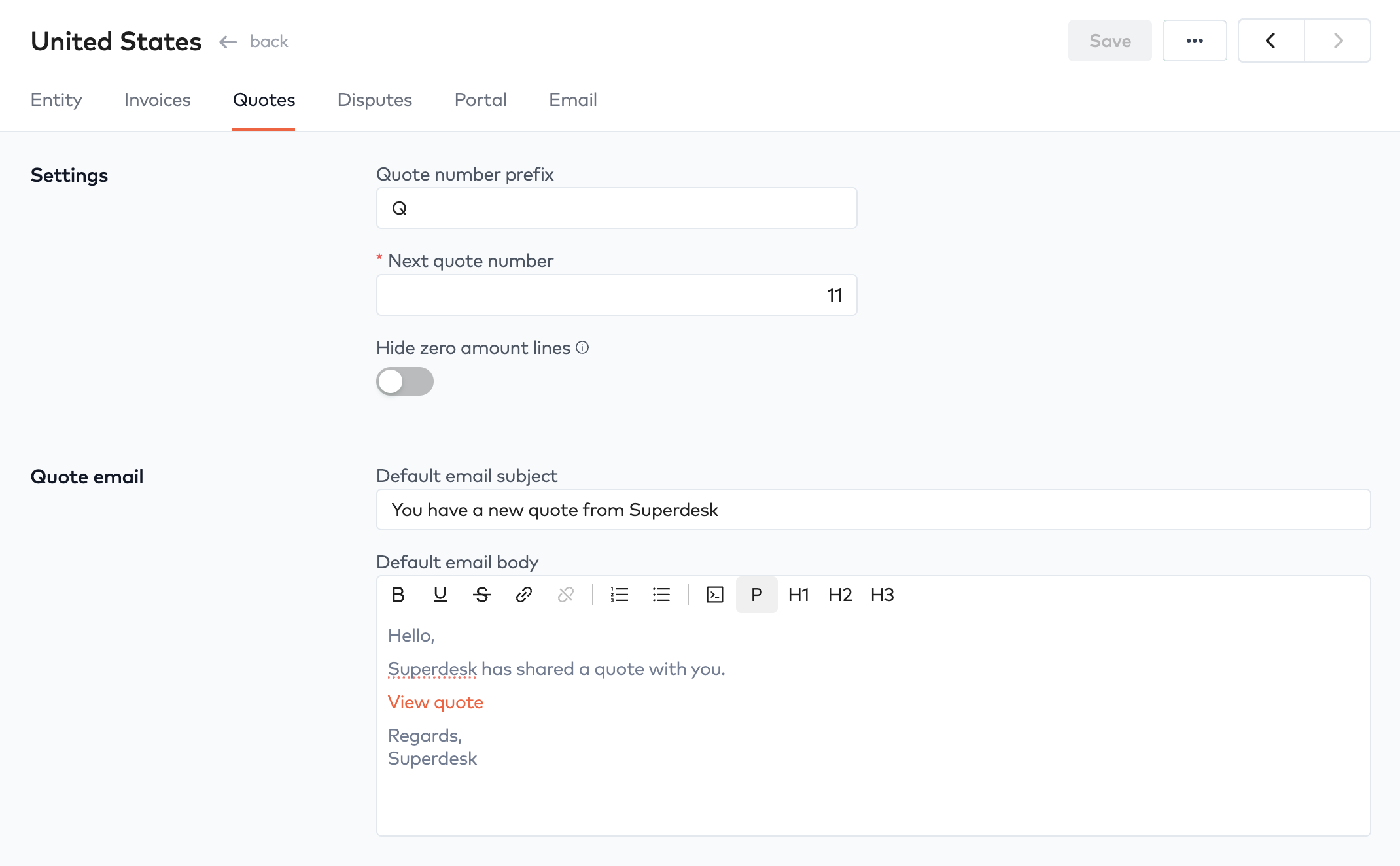
The quote number and prefix are used when a new quote is generated. You can also choose to hide any line items on a quote that have a zero amount.
Quote emailLink to Quote email section
The quote email subject and body serve as a default email template that is copied to a user’s profile whenever a new user is created. The user can then personalize their own default message.
Invoice templatesLink to Invoice templates section
Some of the invoice template settings also drives how quotes work. For example, if purchase order number or tax number are required for an invoice template, the customer will be required to provide them when the quote is accepted. And subsequently, when an invoice is produced, the information will be shown below the customer address.