Subscriptions
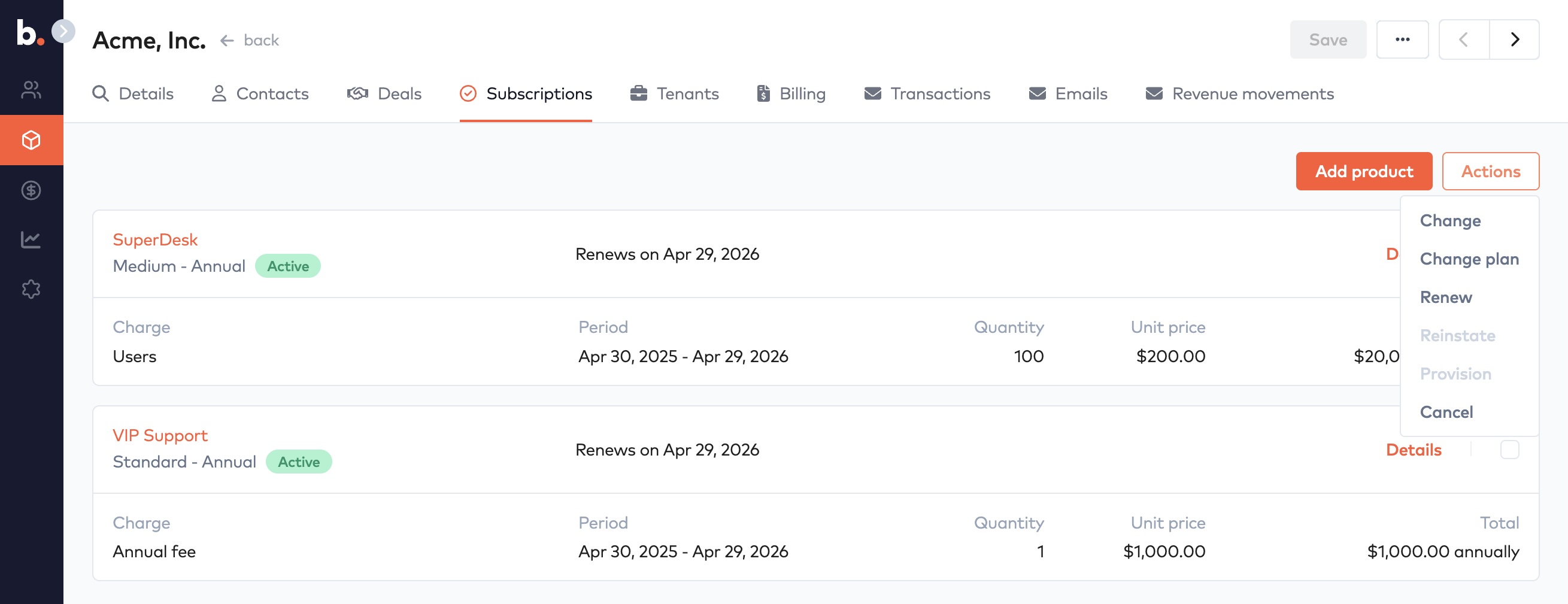
View an account's subscriptions on the Subscriptions tab and use the action menu to change quantity or price, change plan, renew or cancel.
The subscription tab shows all the account’s subscriptions. Each subscription has its own card with all the details for that subscription.
The action menu allows you to perform operations on one or more subscriptions at a time, such as price price or quantity, change plan, renew or cancel.
Subscriptions
All changes to an account’s subscriptions result in a deal and a quote being created.