# Email branding

### Email template

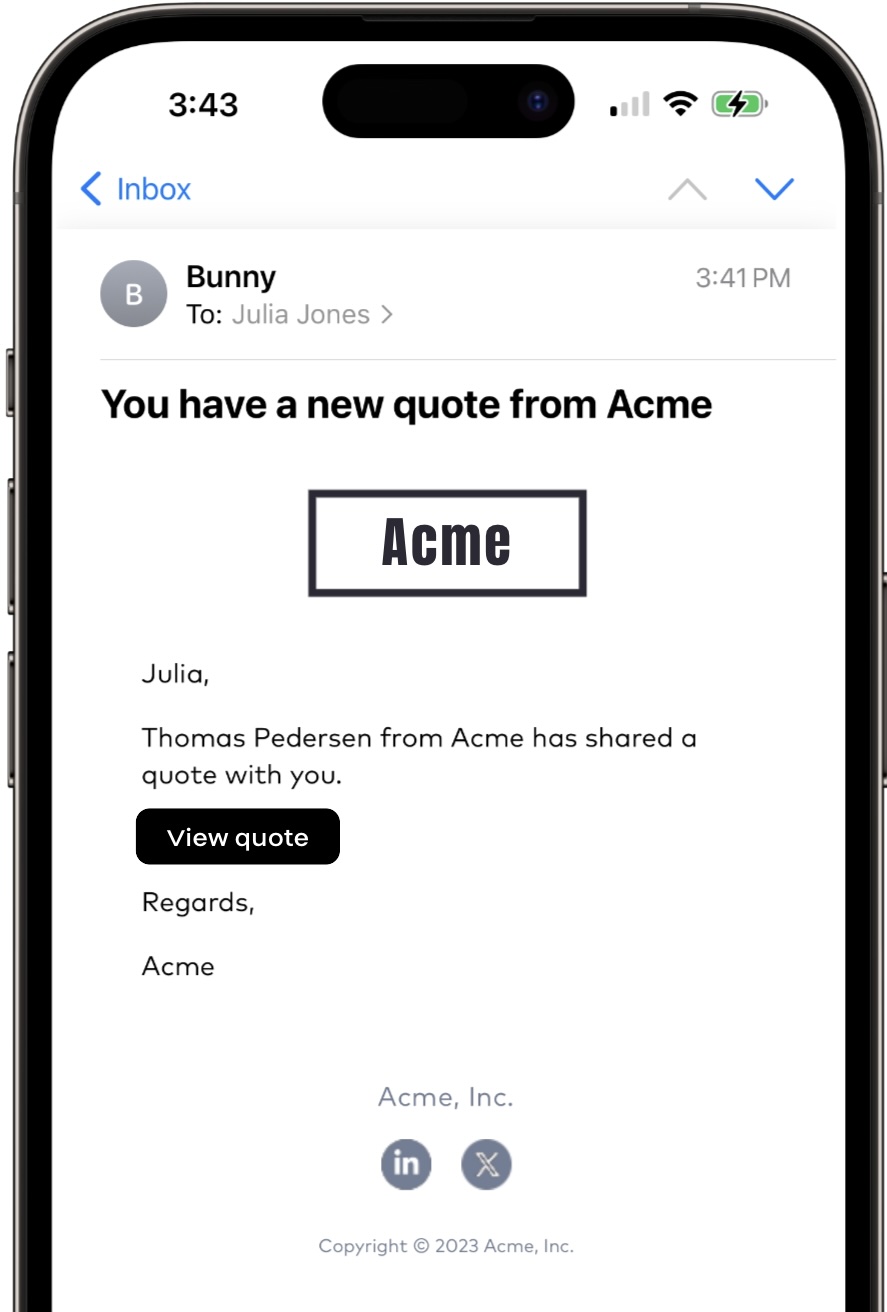
Bunny sends users and contacts emails in various situations, for example when quotes are shared or invoices are generated. Most of these are triggered by [workflows](/guide/tour/workflows.md) and look like below.

<figure><img src="/files/pxBxIjwf0pg2hxnpKk0b" alt="" width="375"><figcaption><p>Bunny email viewed on mobile phone</p></figcaption></figure>

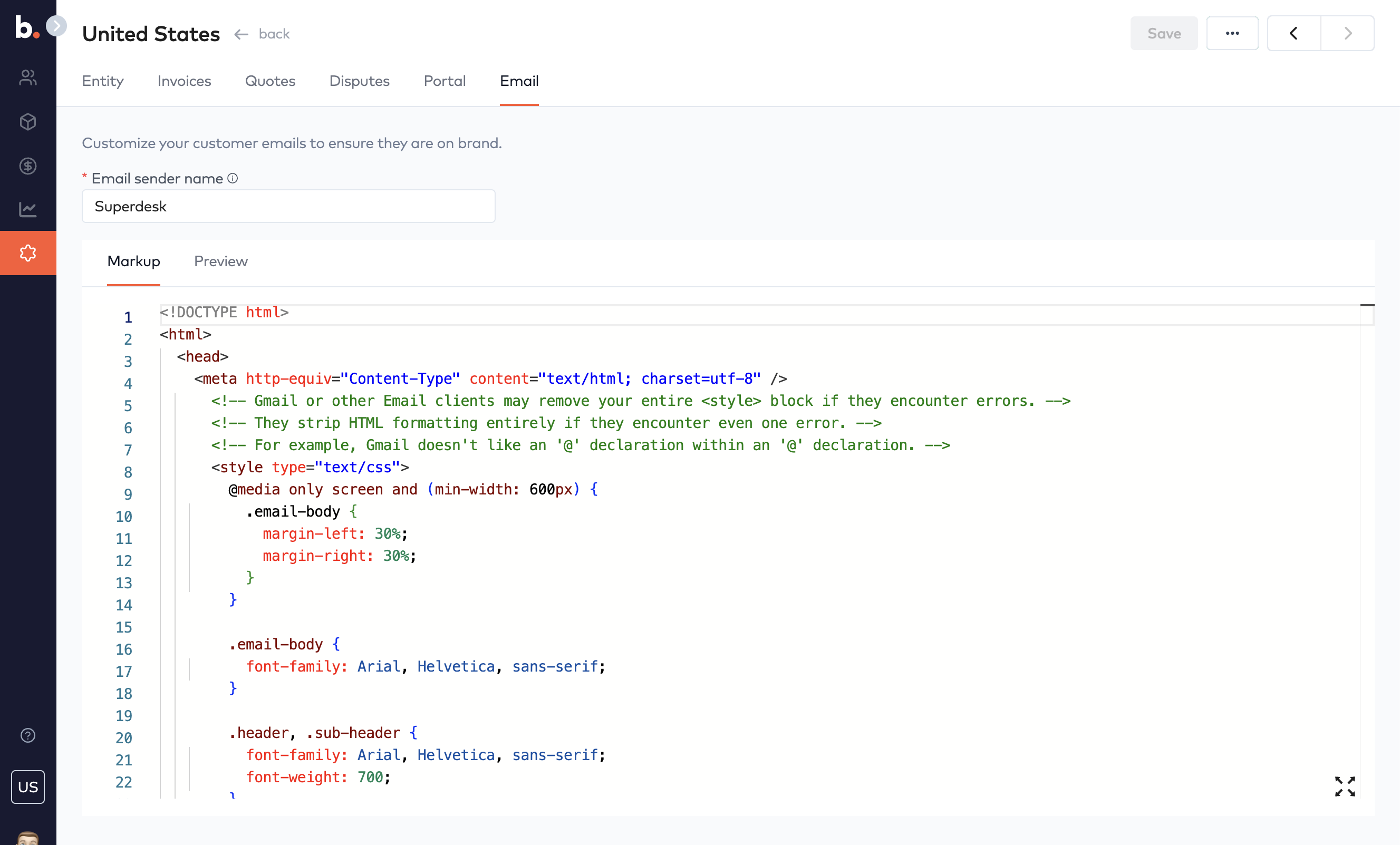
We have deliberately kept the default layout simple in order to make it easier to customize. You can style the button's color, padding and corner radius and also used Bunny's standard social media icons if you wish.&#x20;

<figure><img src="/files/pOc0GaZ2O3GoWhrEkVb7" alt=""><figcaption></figcaption></figure>

The social media icons use the following names.

```html
facebook-icon.png
x-icon.png
linkedin-icon.png
youtube-icon.png
instagran-icon.png
```

sdad


---

# Agent Instructions: Querying This Documentation

If you need additional information that is not directly available in this page, you can query the documentation dynamically by asking a question.

Perform an HTTP GET request on the current page URL with the `ask` query parameter:

```
GET https://docs.bunny.com/guide/tour/entities/email-branding.md?ask=<question>
```

The question should be specific, self-contained, and written in natural language.
The response will contain a direct answer to the question and relevant excerpts and sources from the documentation.

Use this mechanism when the answer is not explicitly present in the current page, you need clarification or additional context, or you want to retrieve related documentation sections.