Tables
Search, filter, sort and export records in Bunny tables, save filters as views and configure which columns each view shows.
The way to access most data in Bunny is through tables as shown below. You can use the filters at the top of the table to narrow down your search and also save that view for later use.
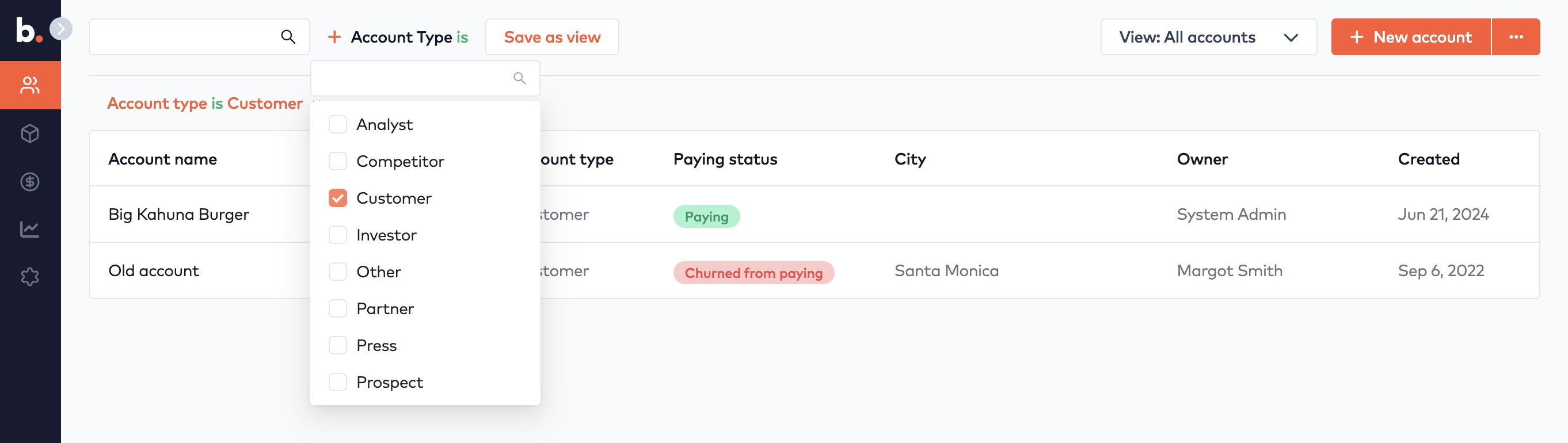
Account table
All tables in Bunny allows you to do the same things:
- Search for records by a text string
- Filter records using one or more conditions via Add filter
- Save filters as views
- Select previously saved views
- Paginate through search results
- Sort by column
- Export the current view as CSV or XLS
- Create a new object (a few tables don’t have this option)
- Configure columns and sort order
Some tables have a more compact layout where the form is shown right next to the table. This is particularly convenient for smaller records that you want to be able to traverse quickly.
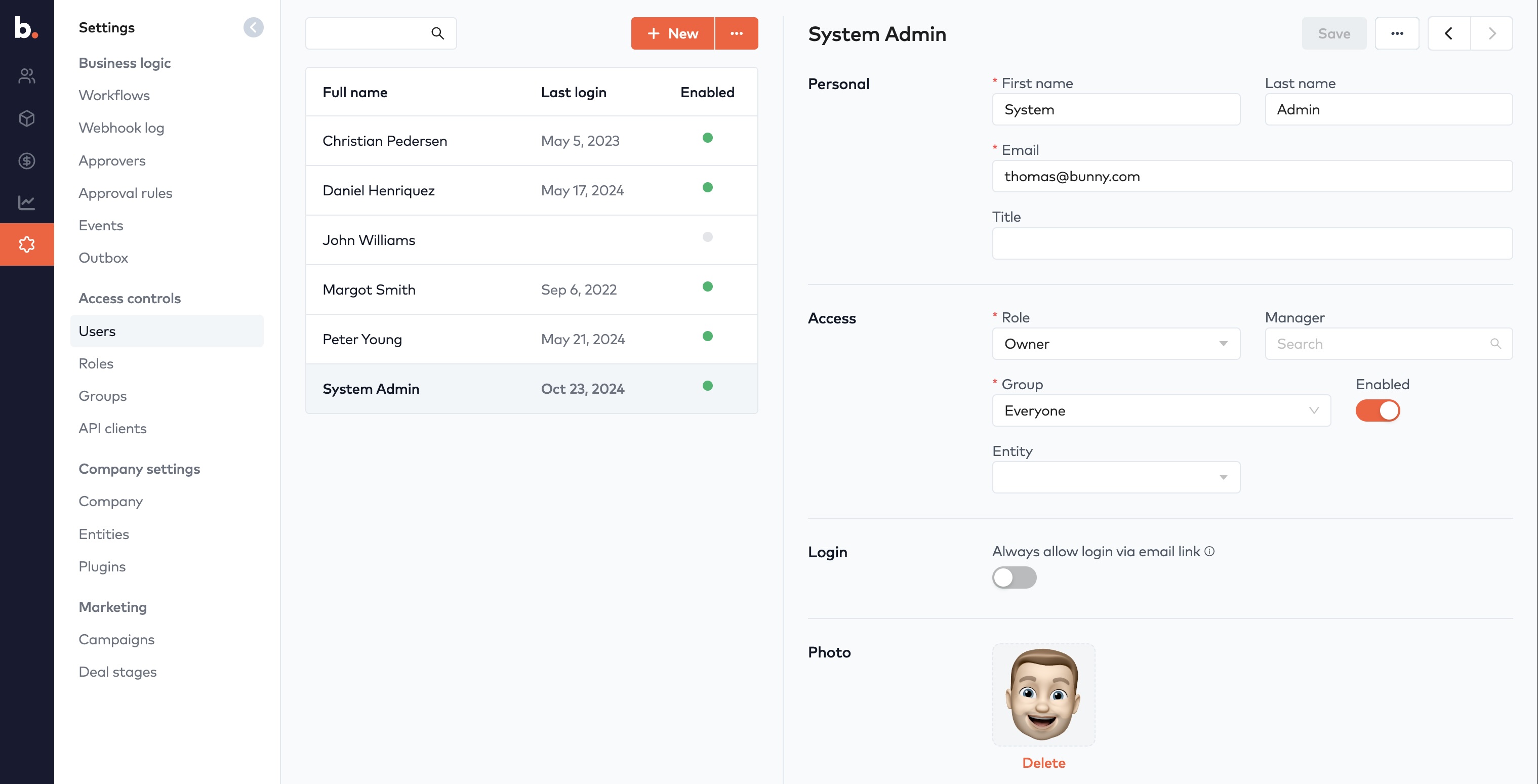
User table and form
Configure columnsLink to Configure columns section
The default view has a predefined set of columns. Views you have saved yourself can be edited via the ... menu. You can add and remove fields, change their order and also choose which column to sort by
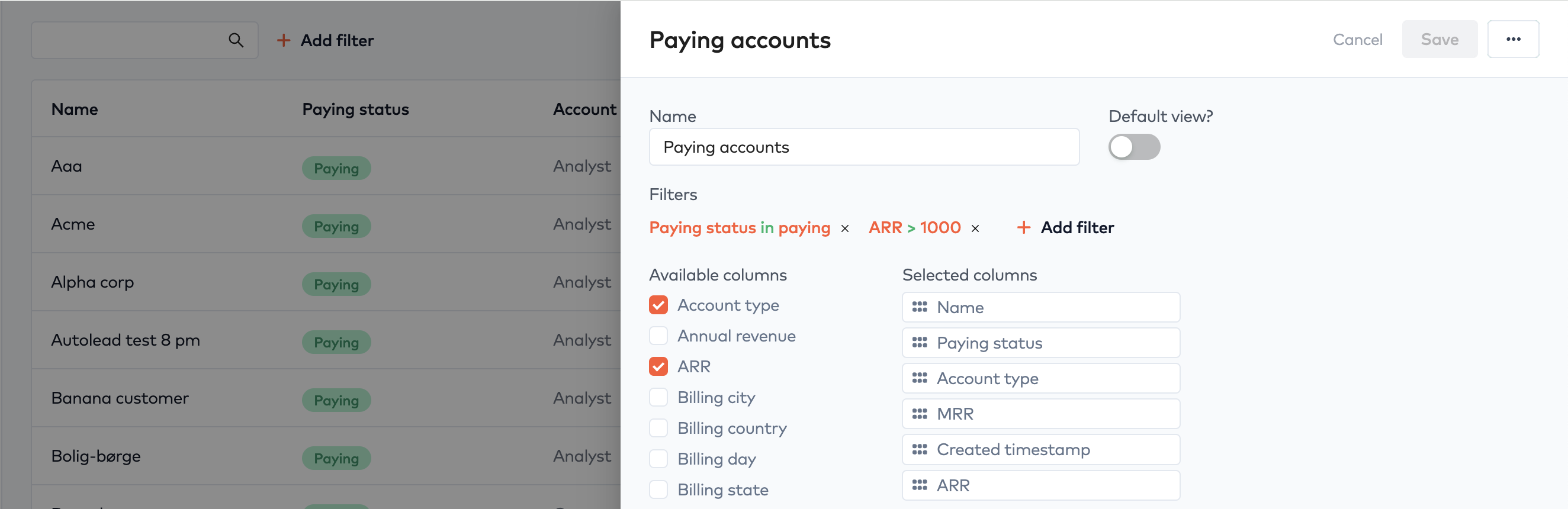
Configure view