User profile
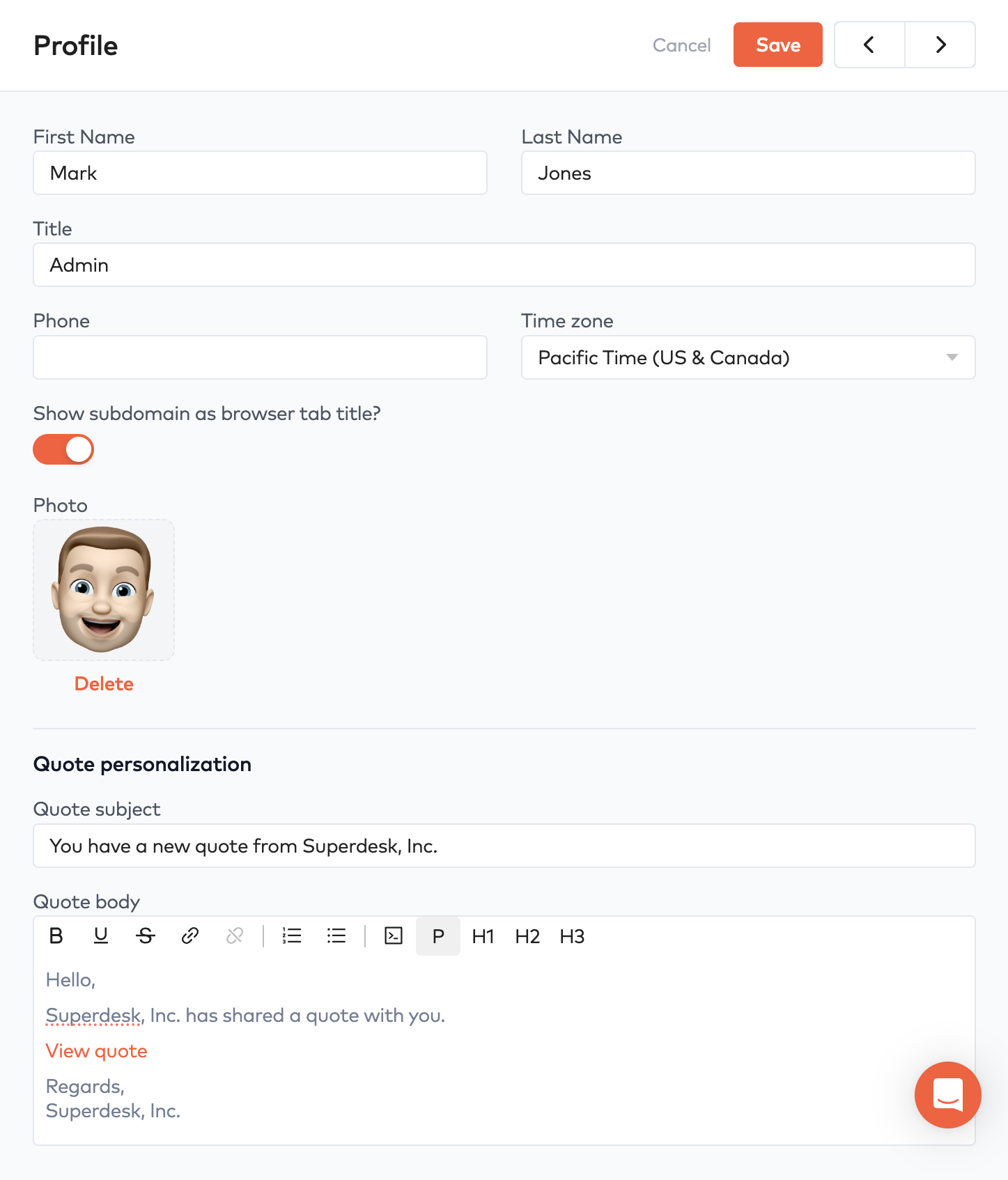
Customize your Bunny user profile, including showing the subdomain as the browser tab title and a personalized message for shared quotes.
Each user in Bunny can customize their own profile via the Profile link at the bottom of the sidebar.
Show subdomain as browser tab titleLink to Show subdomain as browser tab title section
If you are working with several instances of Bunny, it can be useful to see the Bunny subdomain in the browser’s tab. That’s what this setting is for.
Quote personalizationLink to Quote personalization section
When a quote is shared with a customer, the user can customize a personalized message. The message here is based on the default message under Settings > Entities > Quotes.