Billing details
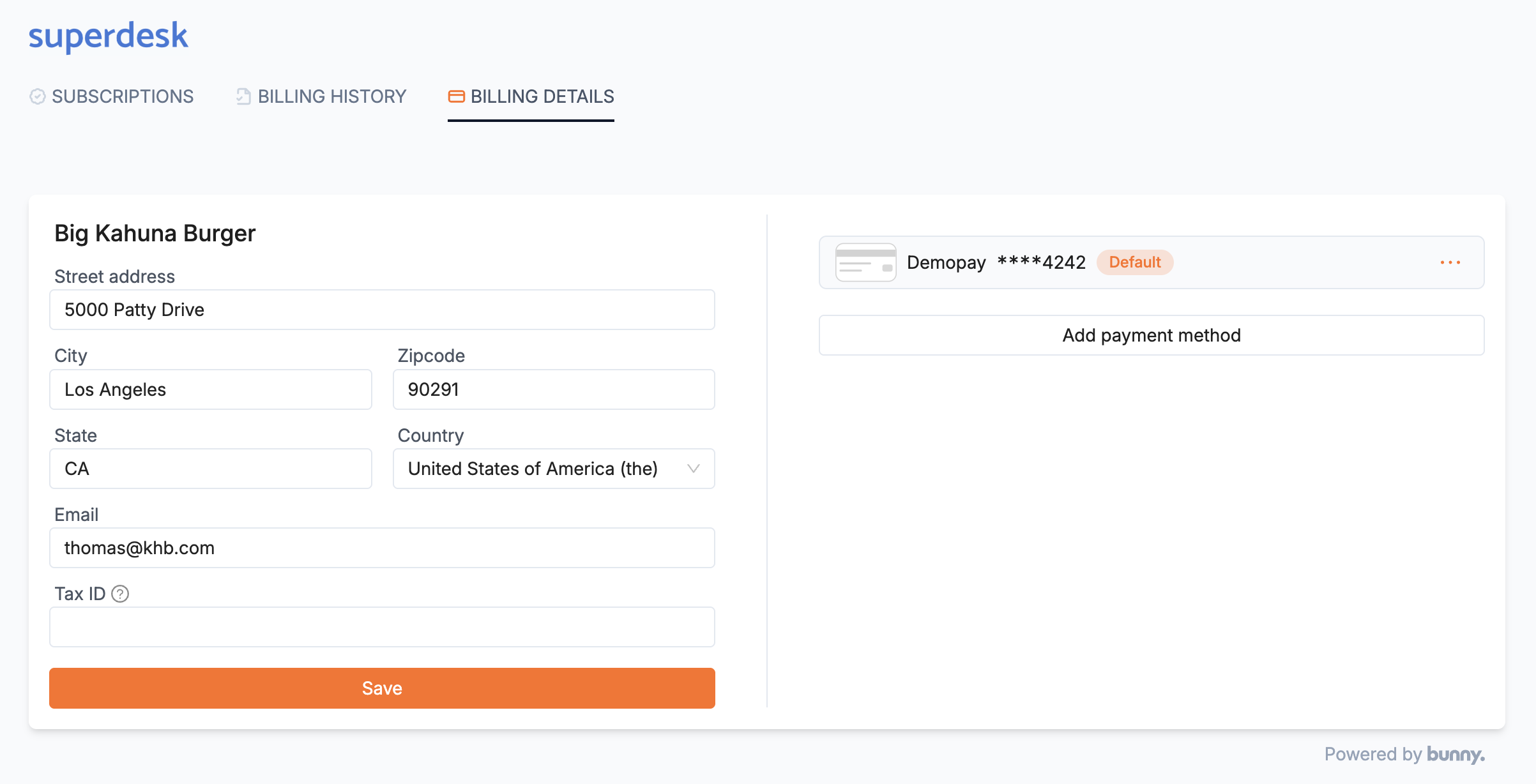
The customer portal's Billing details tab lets customers update their billing address and payment methods and shows the default payment method.
The billing details tab lets the customer change billing address and payment methods. Bunny automatically makes the first payment method (card or bank account) the default payment method. This payment method cannot be removed unless another payment method is first registered.