Bunny Sign
Use Bunny's native e-signature solution to get signatures on quotes and sales proposals.
InstallLink to Install section
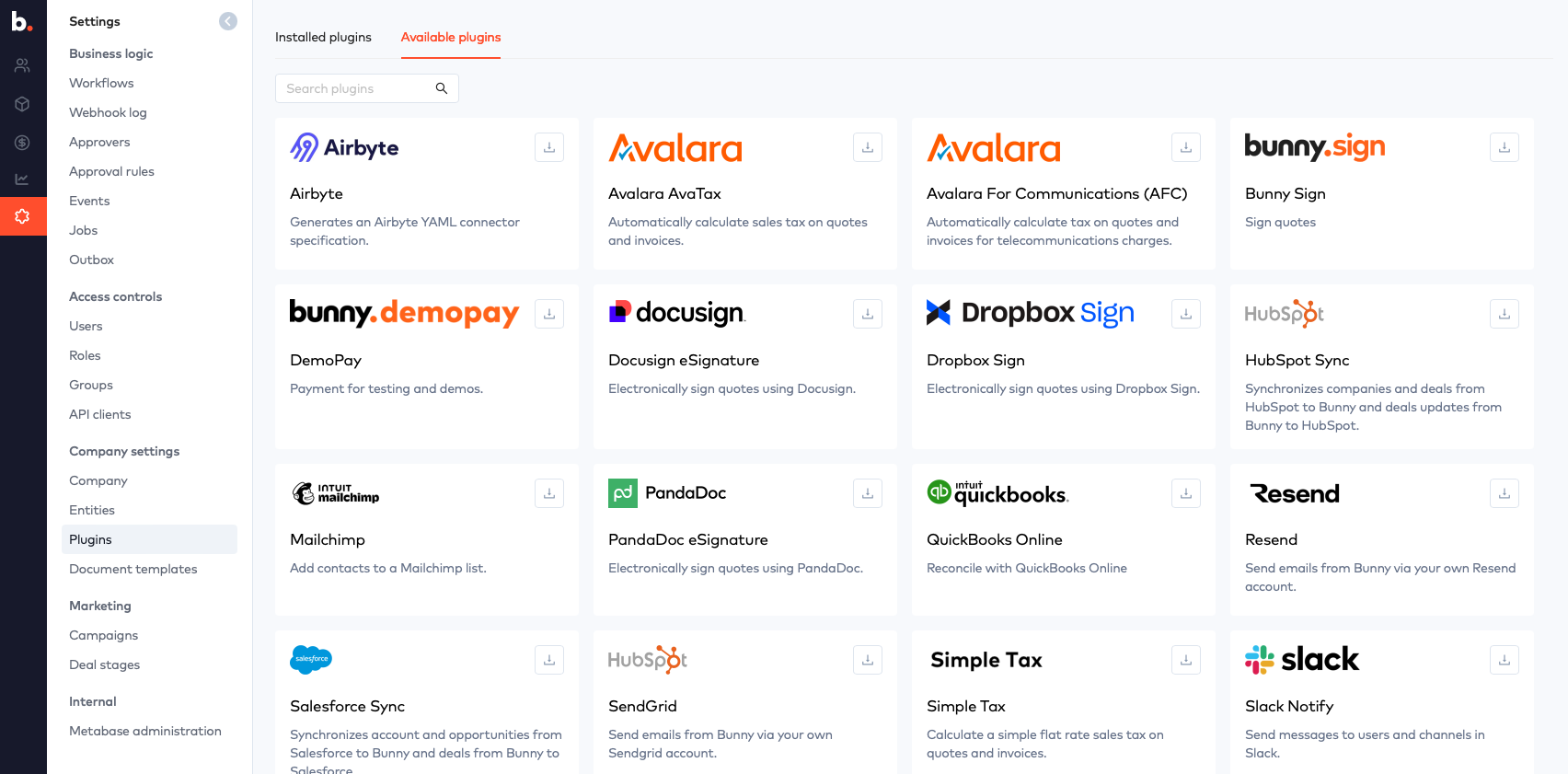
Go to Settings > Integrations and select Bunny Sign to install the integration.
Then Enable and click Save.
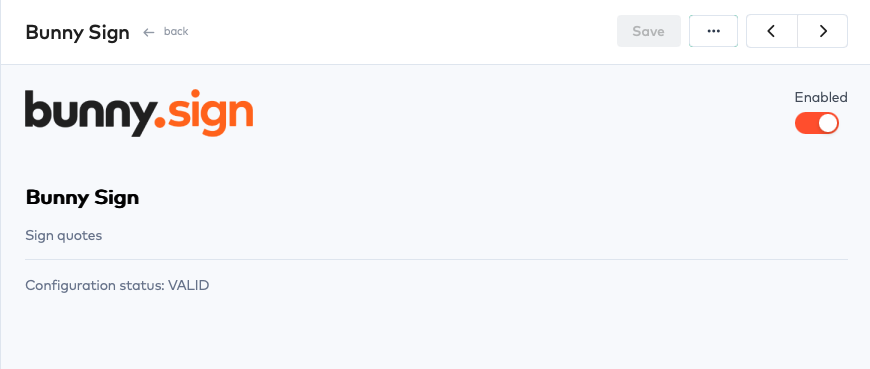
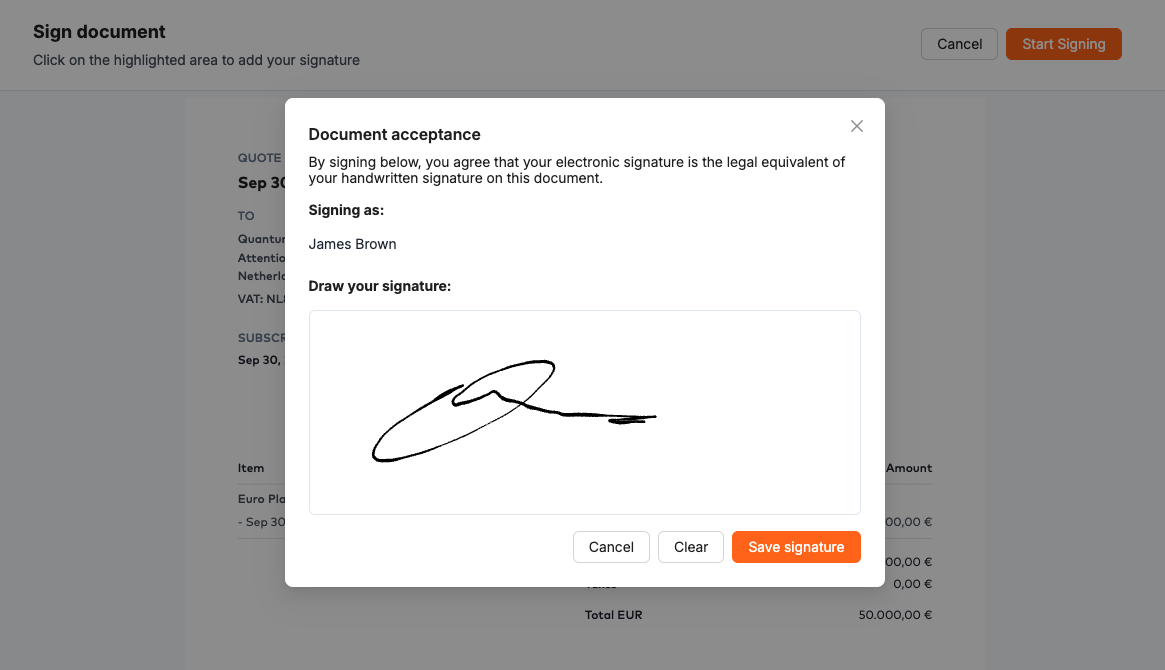
Bunny Sign is now enabled and will prompt your deal contact for signing when the accept a quote via the customer portal.
How to use Bunny SignLink to How to use Bunny Sign section
By simply enabling Bunny Sign it will now be used for accepting all quotes and sales proposals via Bunny.
You can configure who is required to sign the quote/proposal on the Details tab when building the quote.
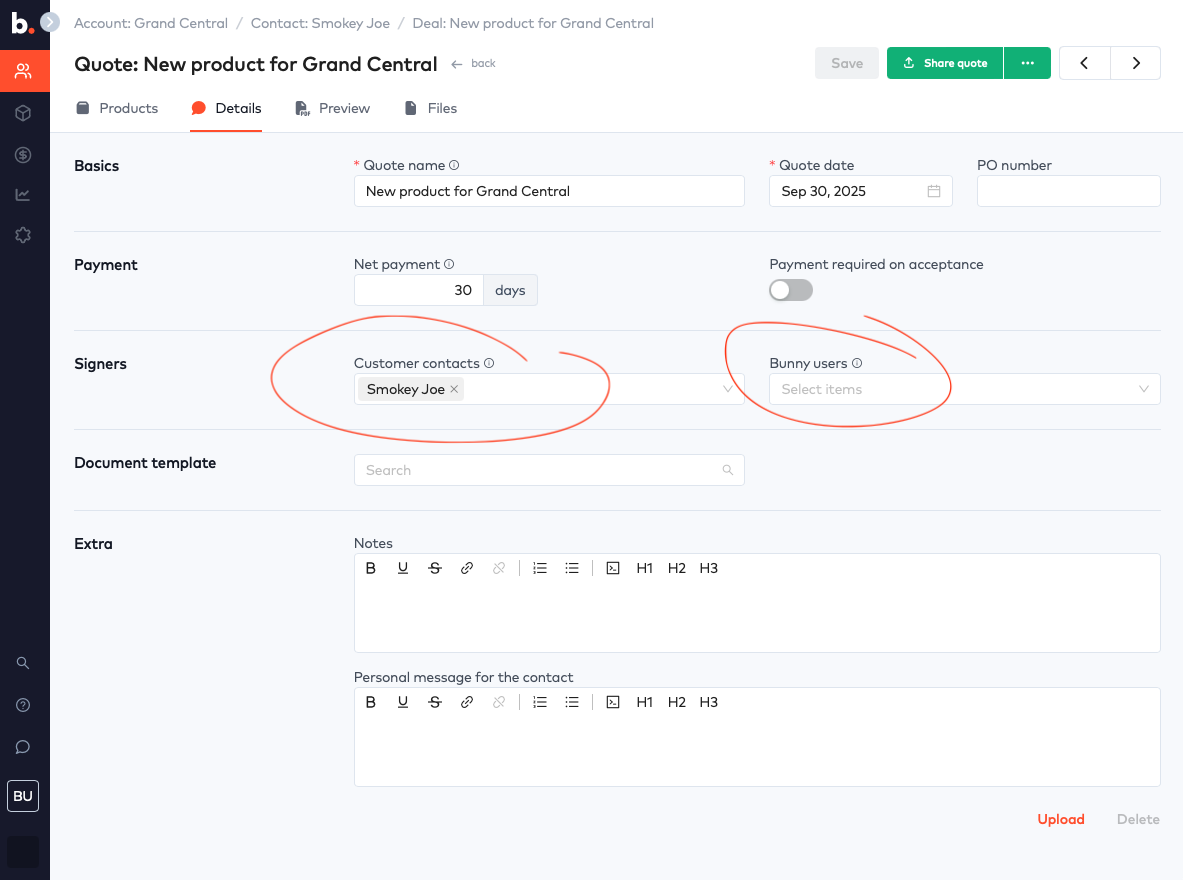
Customer contacts - These are contacts that are setup on the account. You may require one or more contacts to sign the quote / sales contract.
Bunny users - These are your sales people, or executives that will counter sign the document.
Downloading the signed documentLink to Downloading the signed document section
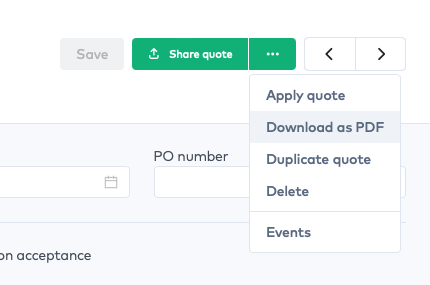
Once all signers have signed the document the quote will shift into the Accepted state. You can then download the document which will contain all of the signtures.