Docusign
Electronically sign quotes with DocuSign.
Bunny has a simple, built-in signing mechanism for quotes that is free and works well. The Docusign integration replaces this process with enterprise-grade e-signing and also ensures that all your signed documents are in one place in Docusign.
ConfigurationLink to Configuration section
Go to Settings > Integrations and select the Docusign integration.
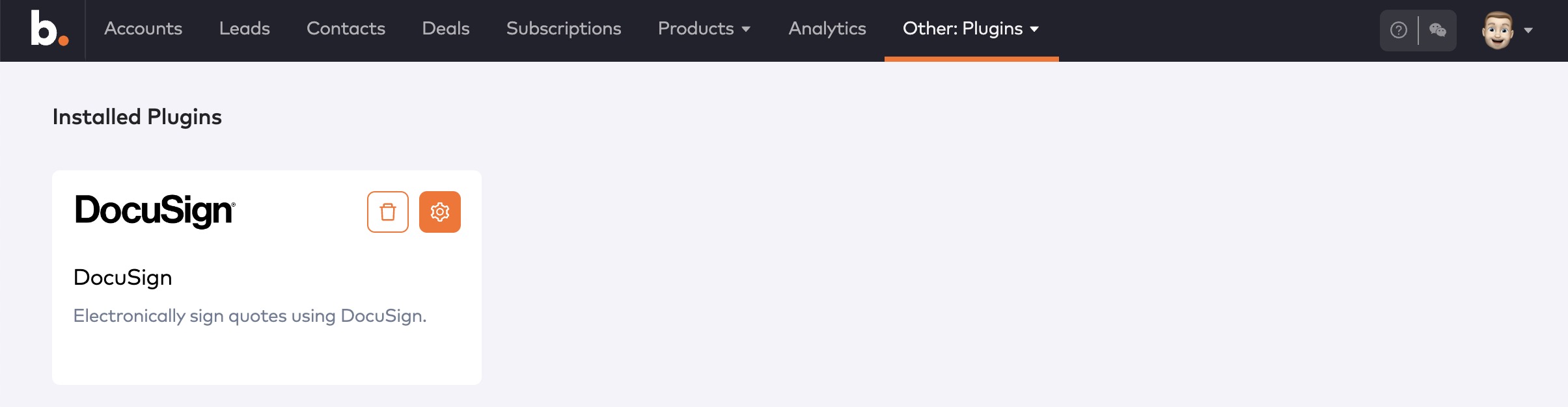
DocuSign integration
Once the integration is installed, click the gear icon to configure it.
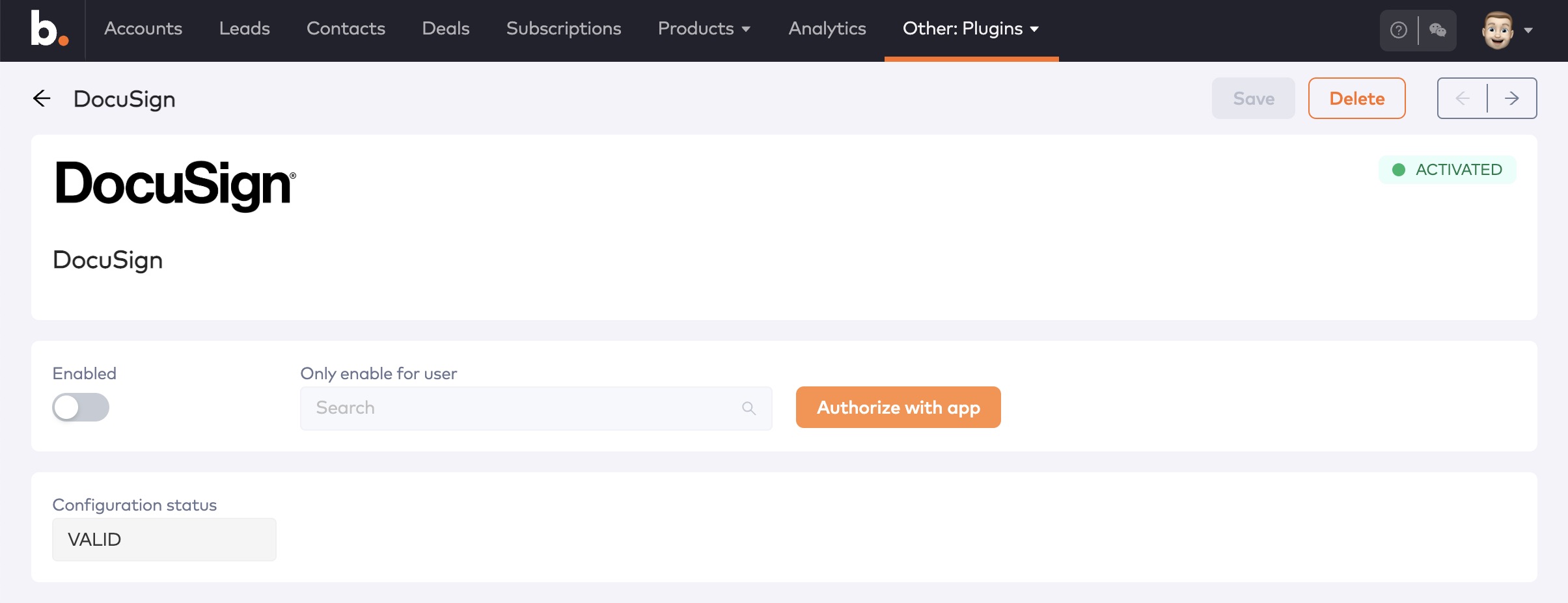
DocuSign plugin configuration
Click Authorize with app to start the authorization process with Docusign.
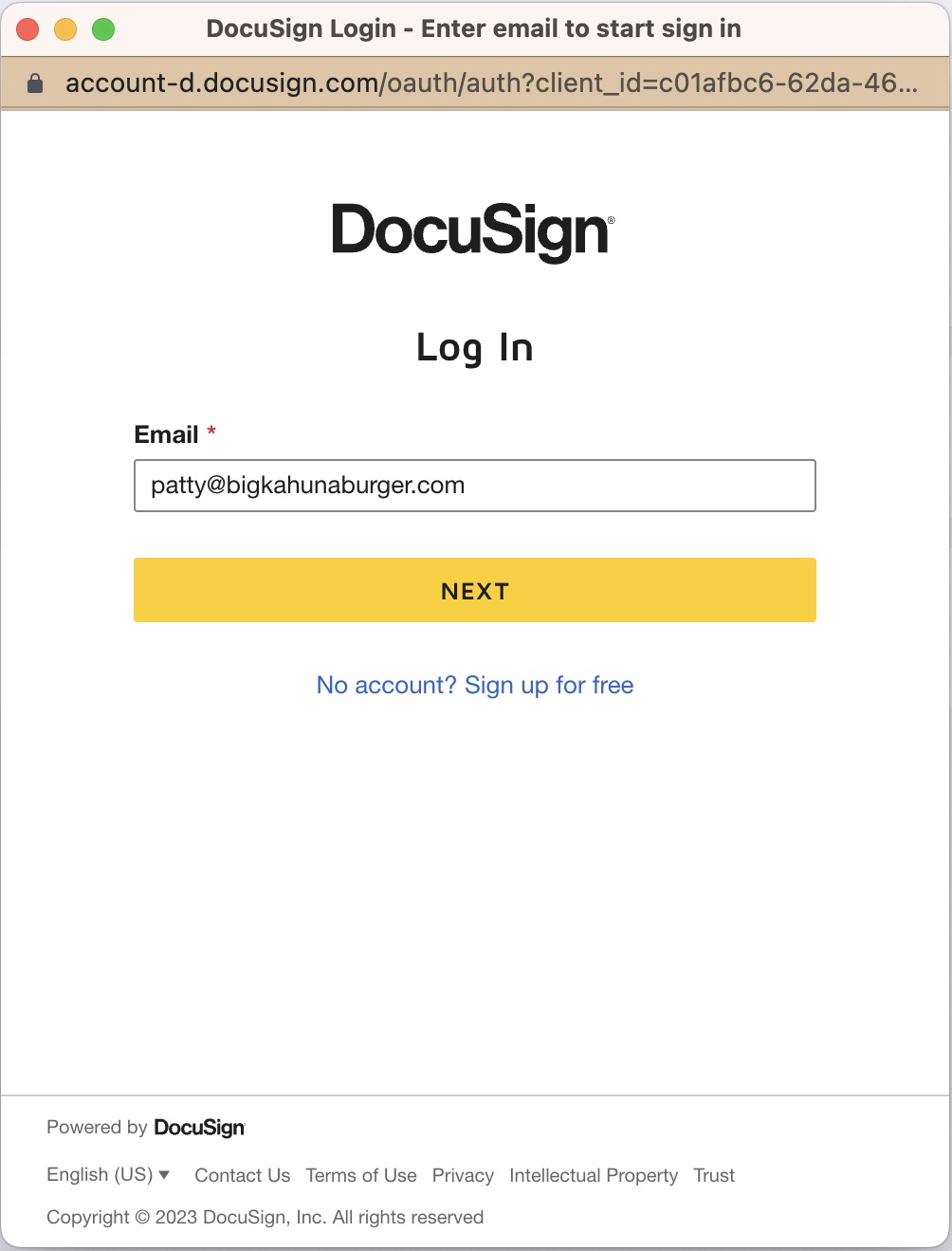
Sign into your Docusign account and complete the authorization process. When complete, the integrataion form will be updated as below.
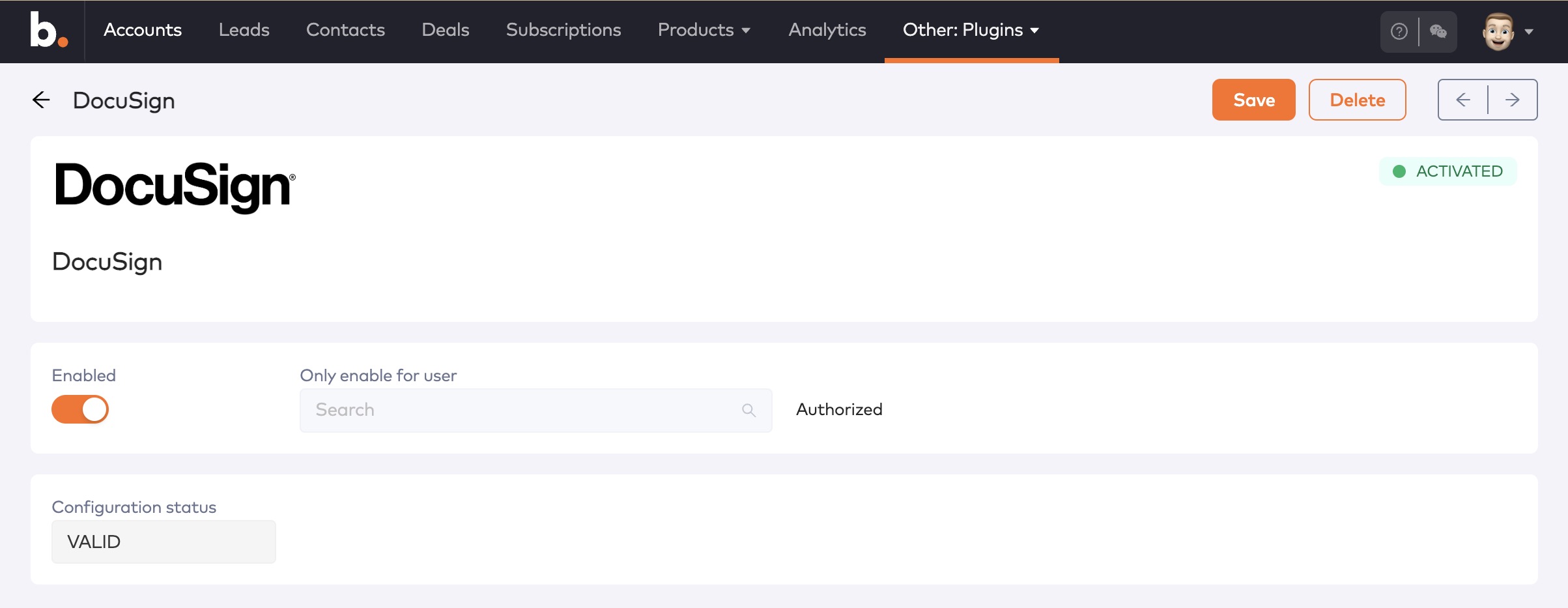
Configured DocuSign plugin
Signing documents with DocusignLink to Signing documents with Docusign section
Once the integration has been configured and enabled, customers will automatically be redirected to Docusign when they click the Accept button on the quote in the portal.