Dropbox Sign
Connect Dropbox Sign so customers e-sign Bunny quotes, and any attached documents such as a master services agreement, in Dropbox Sign.
Bunny has a simple, built-in signing mechanism for quotes that is free and works well. The Dropbox Sign integration replaces this process with enterprise-grade e-signing and also ensures that all your signed documents are in one place in Dropbox Sign.
ConfigurationLink to Configuration section
Go to Settings > Integrations and select the Dropbox Sign integration.
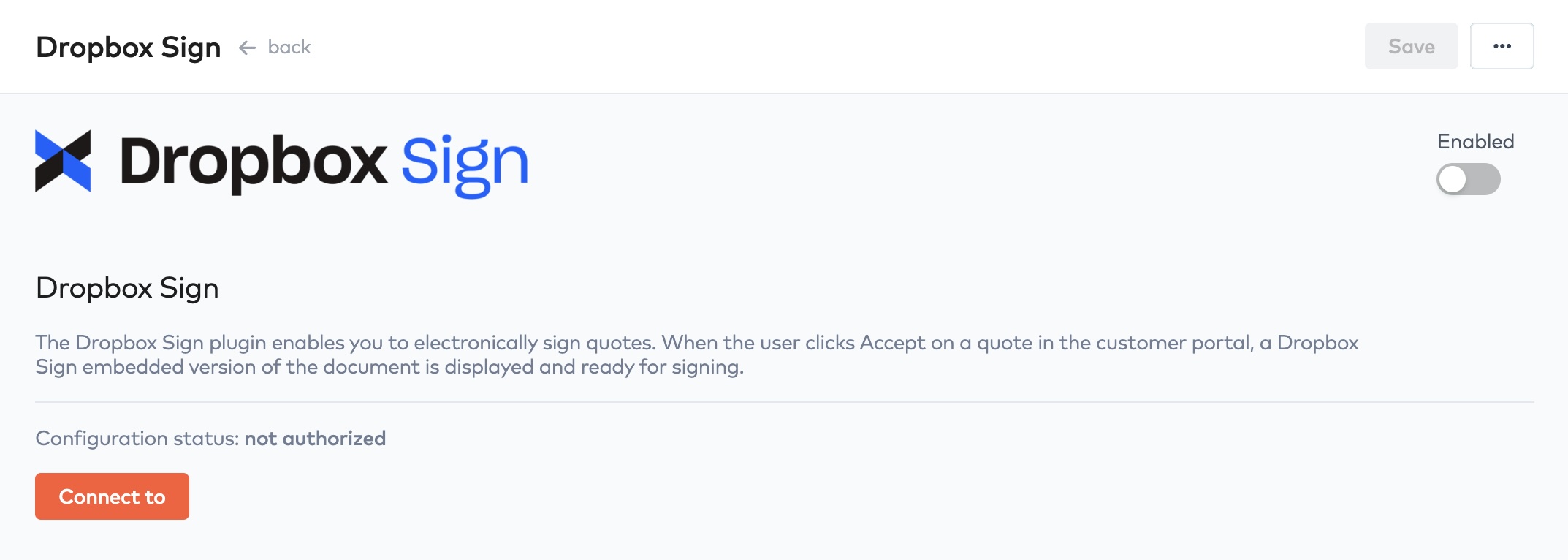
Dropbox Sign integration configuration
Click Connect to to start the authorization process with Dropbox Sign.
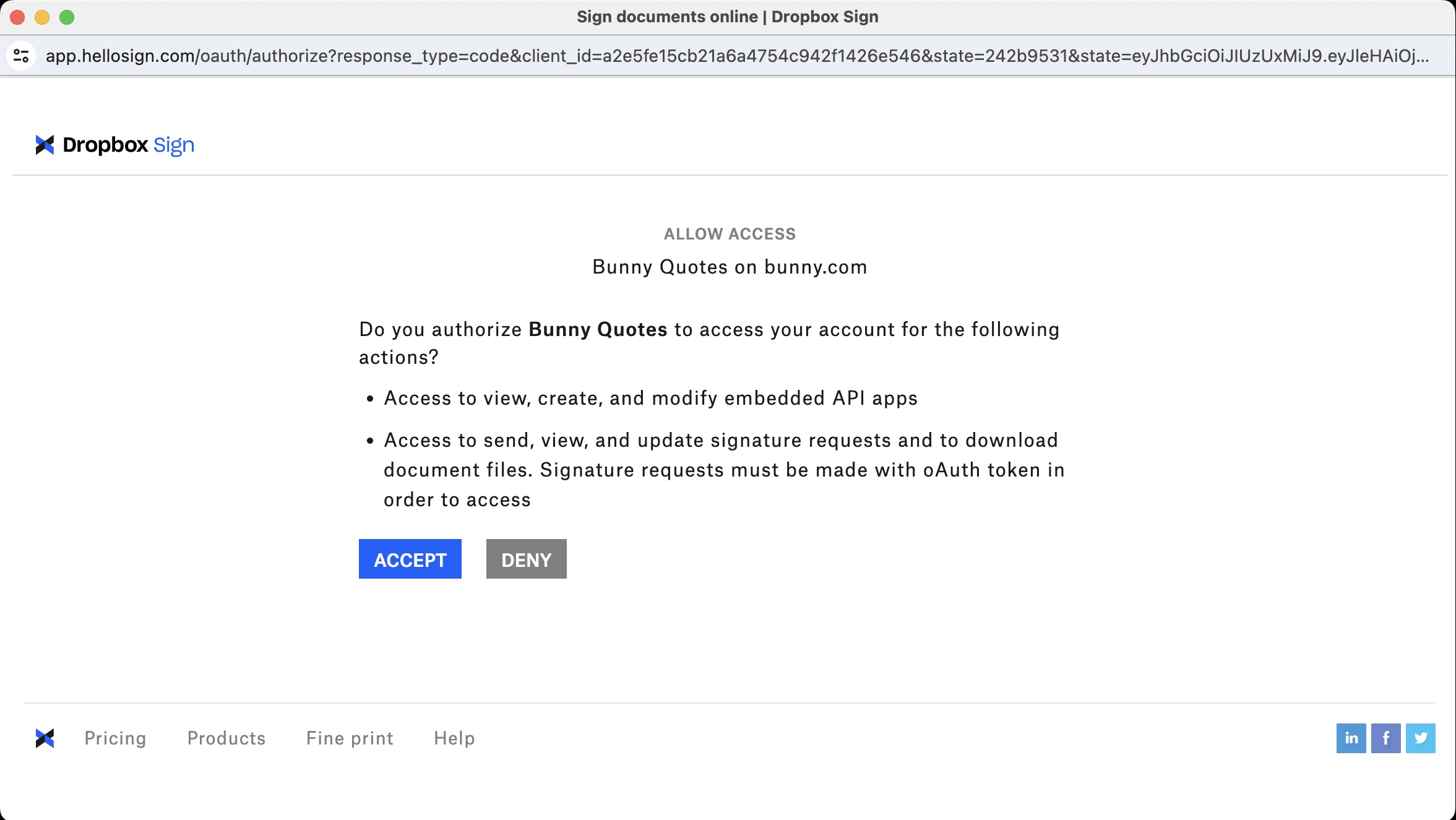
Dropbox Sign authorization
Sign into your Dropbox Sign account and complete the authorization process. When complete, the integration form will be updated as below. Make sure to enable the integration and then save the configuration.
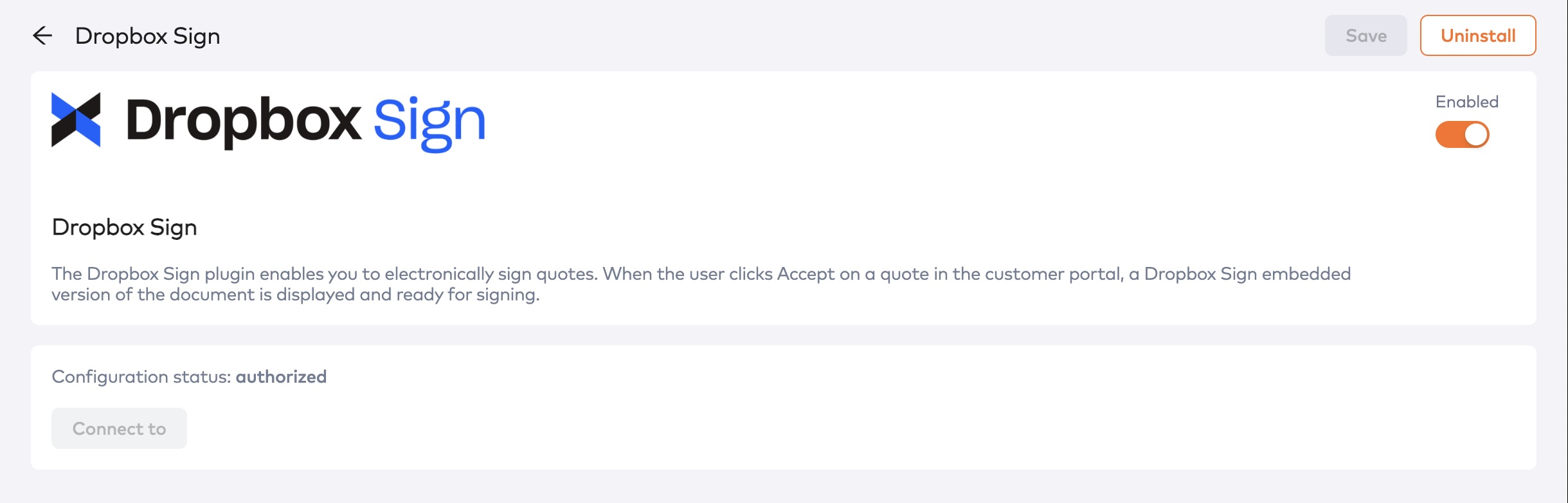
Fully configured Dropbox Sign integration
Signing documents with Dropbox SignLink to Signing documents with Dropbox Sign section
Once the integration has been configured and enabled, customers will automatically be redirected to Dropbox Sign when they click the Accept button on the quote in the portal.
Including additional documents to signLink to Including additional documents to sign section
In some cases you may need to have your prospect also sign a contract or master services agreement. You can attach these files to the quote in Bunny as documents and they will automatically be bundled into Dropbox Sign for signing with the quote.
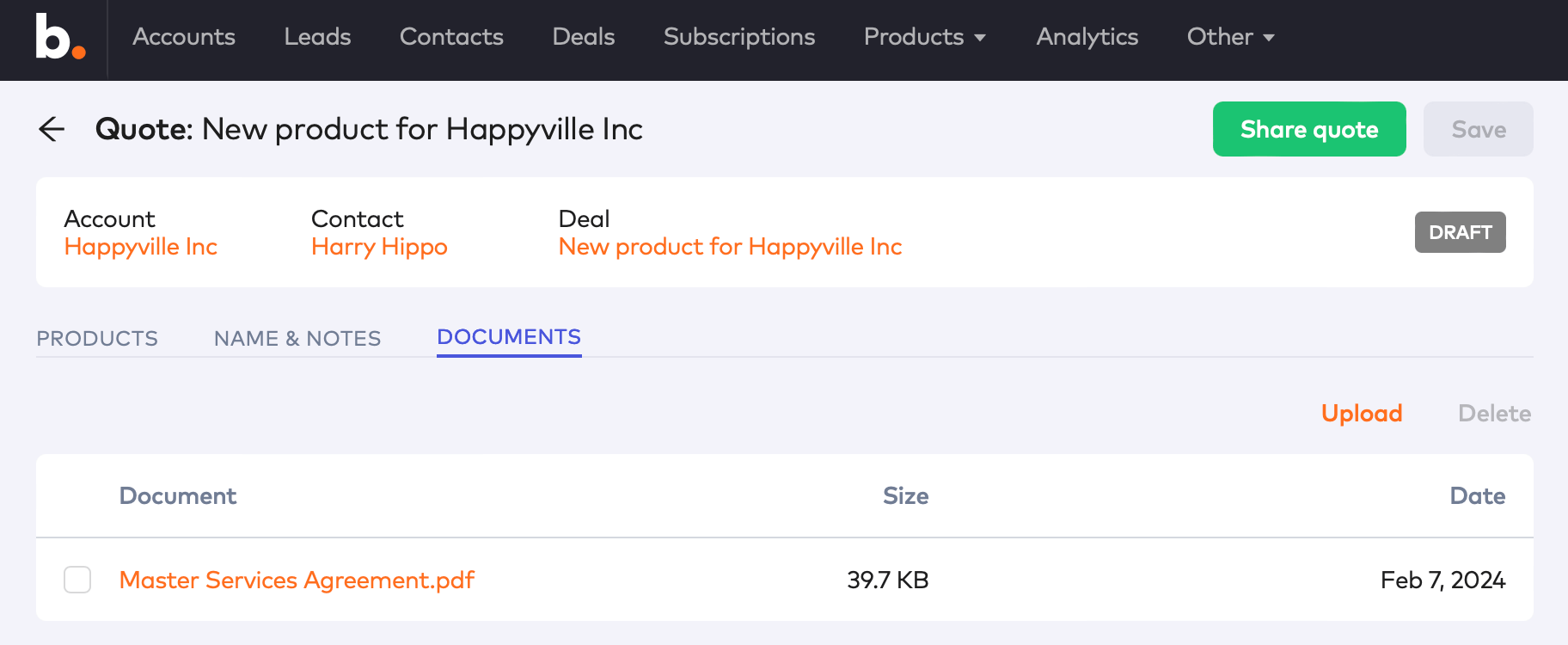
Include additional documents to sign